How to Play Slots on Codigo77: A Beginner's Walkthrough
How to Play Slots on Codigo77: A Beginner's Walkthrough
Codigo77 offers hundreds of slot and jackpot games to players in the Philippines. If you've just registered and made your first deposit, this walkthrough explains where to find slots, how to adjust your bet, what the spin controls do, and how to keep track of your peso balance.
This guide is for beginners who are new to online slots or the Codigo77 platform. It covers the basics you need before placing your first spin.
Reminder: Codigo77 is for players aged 21 and over only. Always play responsibly and set time limits for your sessions.
Finding the Slots Section After Logging In
Once you complete the Codigo77 login process using your registered mobile number or username and password, you'll land on the platform's home page.
On most Android devices, the main menu sits at the top or bottom of the screen. Look for a tab or icon labeled "Slots" or "Games." Tap it to open the slots library.
You'll see rows of game thumbnails sorted by categories such as:
- Popular – frequently played titles among Filipino users
- New – recently added slots
- Jackpot – progressive jackpot games with large prize pools
- Providers – games grouped by software studio (e.g., Pragmatic Play, PG Soft, Jili)
Scroll down to browse, or use the search bar at the top to type a specific game name. Tap any thumbnail to load the game screen.
If you're unsure which slot to try first, start with a title tagged "Popular" or one that shows a low minimum bet—these are usually beginner-friendly and easier to understand.
Understanding Minimum Bets and Bet Adjustments
Before you spin, you need to choose how much to wager per round. Every slot on Codigo77 has a minimum bet and a maximum bet set by the game provider.
Where to Find the Bet Amount
Once a slot game loads, look for a button or display labeled:
- "Bet"
- "Total Bet"
- A coin icon with a number next to it
This shows your current wager in Philippine pesos. The default bet is usually the game's minimum—often PHP 0.50, PHP 1, or PHP 2 per spin, depending on the title.
How to Adjust Your Bet
Tap the bet display or the "+" / "–" buttons beside it. A menu will open showing:
- Bet levels or coin values you can select
- The total cost per spin
- Sometimes the number of active paylines (modern video slots often have fixed paylines)
Slide or tap to choose a bet amount that fits your deposit. For example, if you deposited PHP 200 and want to play conservatively, a PHP 1 or PHP 2 bet per spin gives you 100–200 spins before your balance runs out (assuming no wins).
Tip: Start with the minimum bet until you understand how the slot works. You can always increase it later.
How to Spin: Controls and Basic Game Mechanics
Slot games on Codigo77 follow a simple pattern: set your bet, spin the reels, and see if matching symbols land on paylines.
The Spin Button
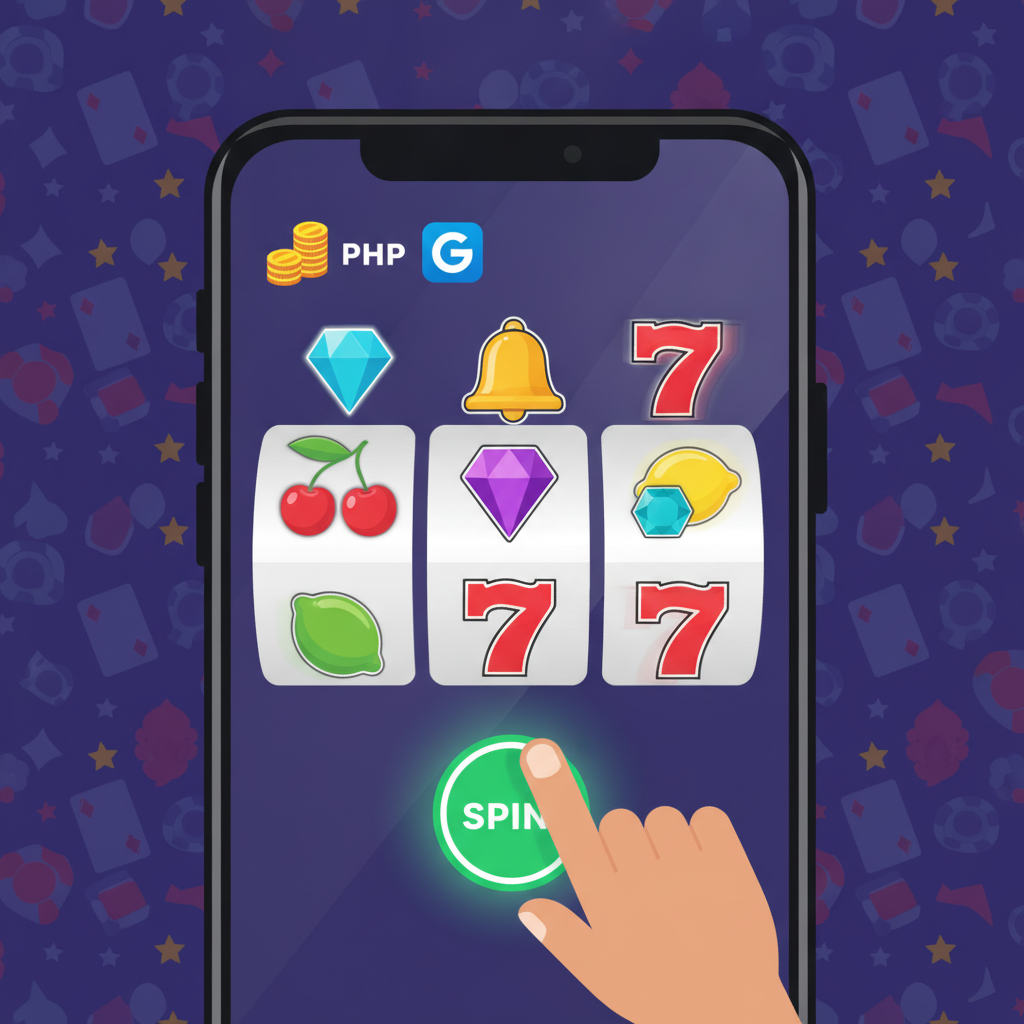
The main control is a large circular button, often at the bottom-center of the screen. It may be labeled:
- "Spin"
- "Play"
- A circular arrow icon
Tap it once to start a single spin. The reels will rotate for a few seconds, then stop to reveal a random combination of symbols.
Auto-Spin and Turbo Mode
Many slots include extra controls:
- Auto Spin / Auto Play – Set the game to spin automatically 10, 20, 50, or more times without tapping each round. Useful if you want continuous play, but make sure you monitor your balance.
- Turbo / Quick Spin – Speeds up reel animations so spins complete faster. This doesn't change your odds; it only saves time.
These features are optional. If you prefer full control, stick to manual spins.
Paylines and Winning Combinations
Slots pay out when matching symbols appear on a payline—a pattern across the reels. Common setups include:
- 5 reels, 20 paylines (classic video slot)
- 5 reels, 243 ways to win (any adjacent matching symbols count)
- Megaways (thousands of possible winning combinations per spin)
The game's paytable (usually accessed via an "i" or "?" icon) shows:
- Which symbols pay the most
- How many matches you need (typically 3, 4, or 5 in a row from the left reel)
- Special symbols like Wilds (substitute for others) and Scatters (trigger bonus rounds or free spins)
You don't need to memorize the paytable before playing, but checking it once helps you recognize high-value symbols.
What Happens When You Win
If your spin lands a winning combination, the payline highlights and your win amount—in pesos—flashes on screen. The pesos are added to your balance instantly. You can then adjust your bet or spin again.
Checking Your Balance and Game History
Keeping track of your peso balance and recent activity helps you stay in control.
Your Current Balance
Your main wallet balance is displayed at the top or bottom corner of the game screen, labeled:
- "Balance"
- "Credits"
- A peso (₱) symbol with a number
This updates in real time after every spin. If it drops close to zero, you'll need to return to the lobby and deposit more funds via GCash, Maya, or bank transfer (InstaPay or PESONet), or stop playing.
In-Game History
Most slots have a history or menu button (three horizontal lines or a clock icon). Tap it to see:
- Your last 10–20 spins and their results
- Total wagered and total won in the current session
This summary is useful if you want to review which rounds paid out or check how much you've spent.
Platform-Wide Game History
For a broader view, exit the slot and return to the Codigo77 main menu. Look for a section called:
- "History"
- "Transactions"
- "My Bets"
Here you'll find:
- All slots, live dealer, and sports bets you've placed
- Date, time, game name, bet amount, and result
- Your net profit or loss over a chosen period
This feature is helpful for tracking your overall spending across all games, not just slots.
Setting Limits and Playing Responsibly
Online slots are designed for entertainment, and outcomes are determined by random number generators. There is no guaranteed way to win, and it's possible to lose your entire deposit in a single session.
Time and Budget Limits
Before you start:
- Decide how much you're willing to spend (e.g., PHP 200 or PHP 500).
- Set a time limit (e.g., 30 minutes or one hour).
- Stop playing once you hit either limit, whether you're ahead or behind.
Some players set a win goal—for example, if you turn PHP 200 into PHP 400, cash out and take a break. This prevents giving back winnings in a longer session.
Recognizing Problem Gambling
If you find yourself:
- Chasing losses by depositing more than planned
- Playing longer than intended
- Feeling anxious or upset about slot results
Take a break. Codigo77 is for players aged 21 and over only, and responsible gambling means knowing when to stop.
Consider using self-exclusion or deposit-limit features if Codigo77 offers them, or reach out to local support organizations for help.
Quick Summary
- Log in to Codigo77 and tap the Slots menu to browse games.
- Tap a game thumbnail to load it.
- Set your bet using the on-screen controls—start with the minimum (often PHP 1–2).
- Tap "Spin" to play one round; use Auto Spin for continuous play if you prefer.
- Check the paytable ("i" icon) to learn which symbols pay.
- Monitor your balance at the top or bottom of the screen.
- Review game history in the menu to see recent spins and spending.
- Play responsibly—set time and peso limits before you start, and stop when you reach them.
Slots on Codigo77 are straightforward once you understand the basic controls. Start small, explore a few different games, and remember that every spin is random. Enjoy the experience, but always keep your budget and time in check.
21+ only. Play responsibly and set limits.